Description
eSUN eClean — Nozzle Cleaning 3D Printer Filament
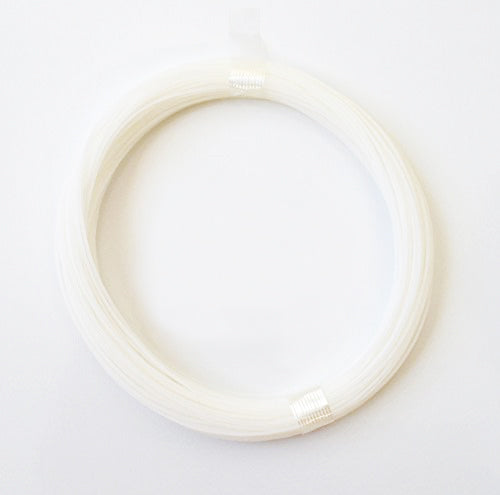
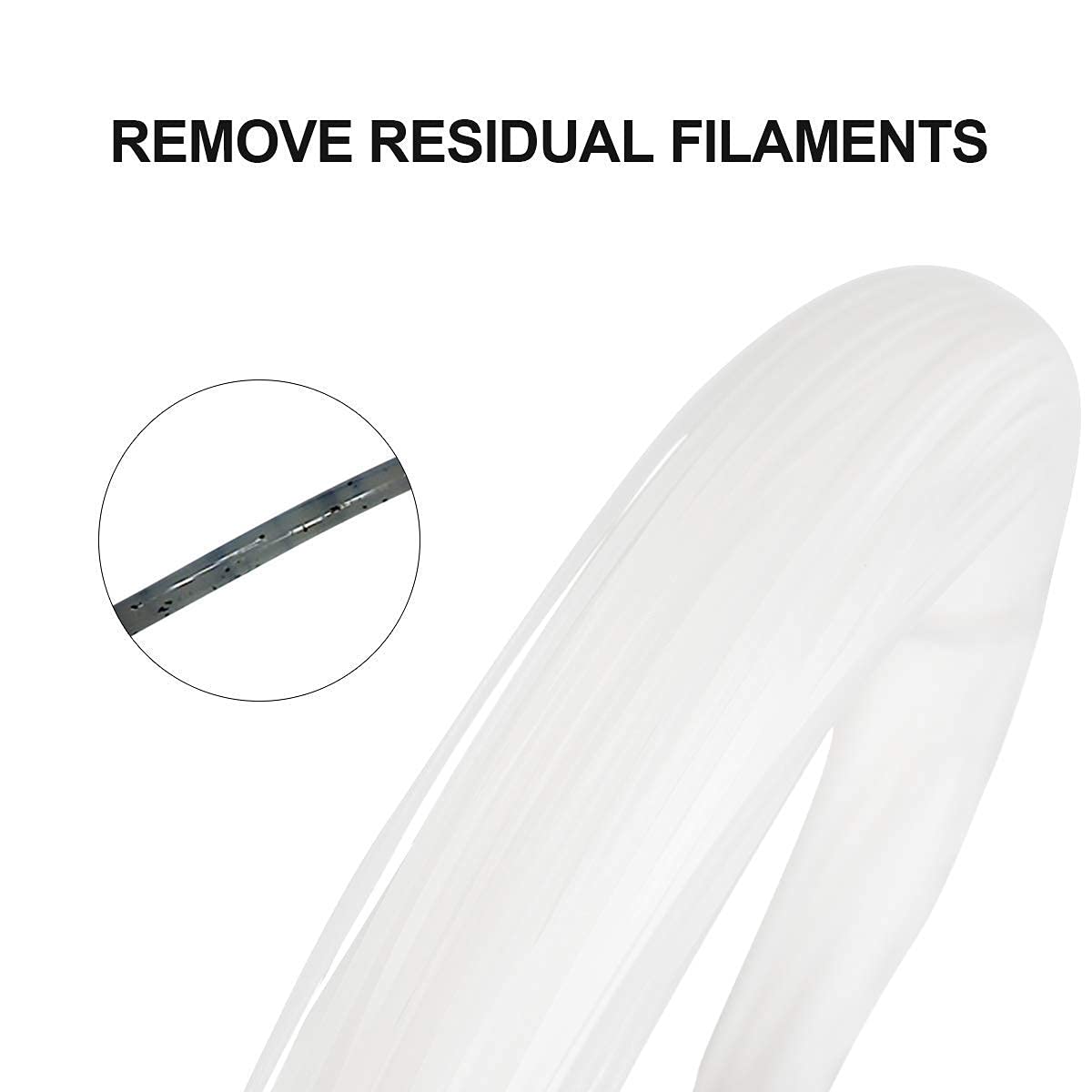
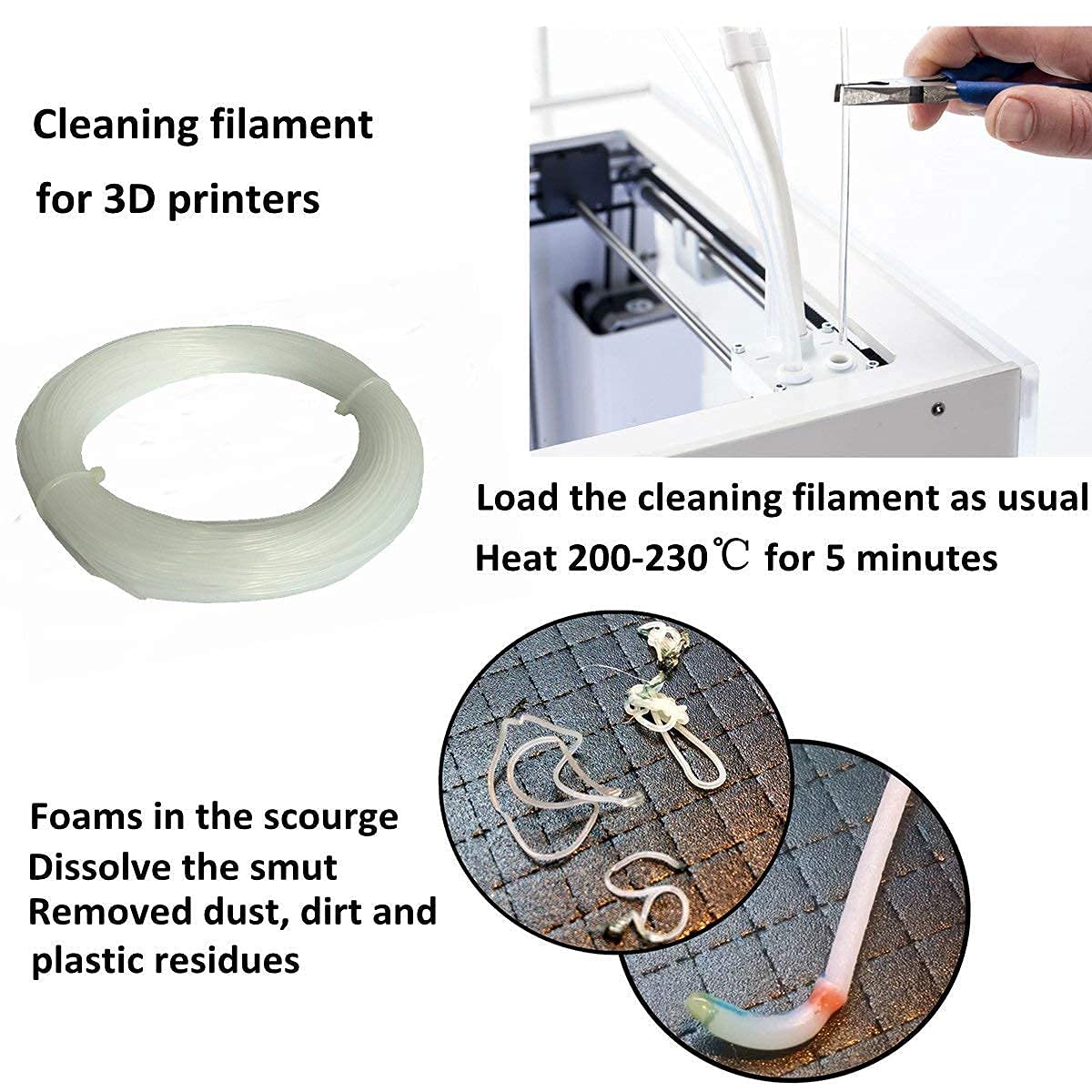
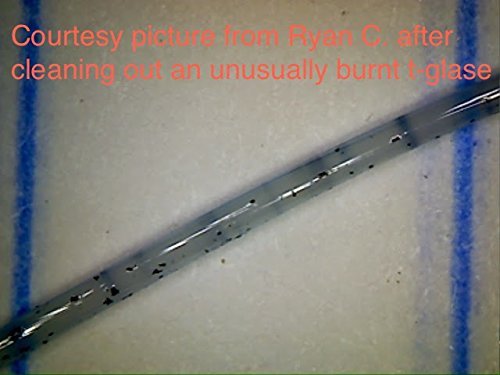
eSUN eClean is a special 3D printer filament designed specifically for cleaning the nozzle and extruder system. It effectively removes residual material build-up inside the hotend, ensuring smooth and continuous printer operation.
🔧 Why use eClean?
-
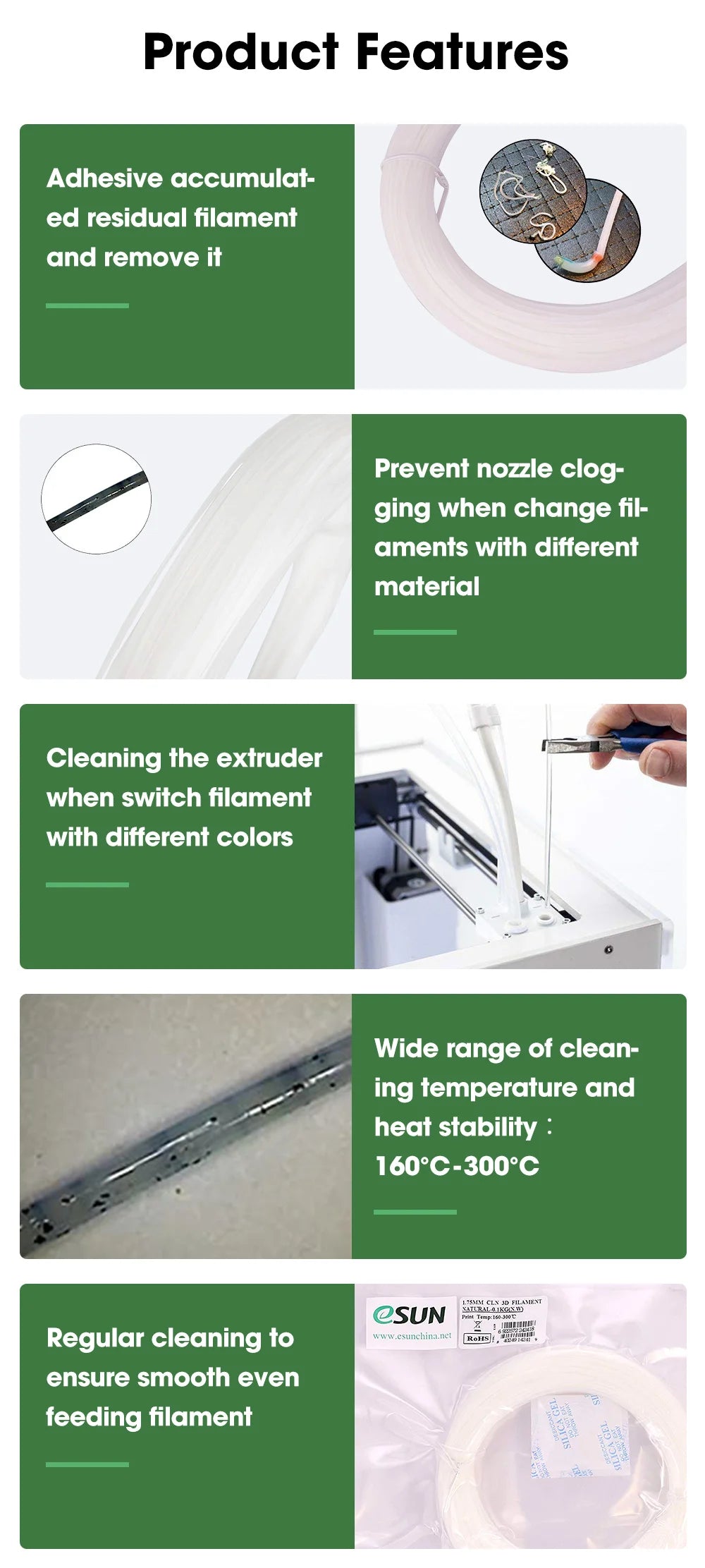
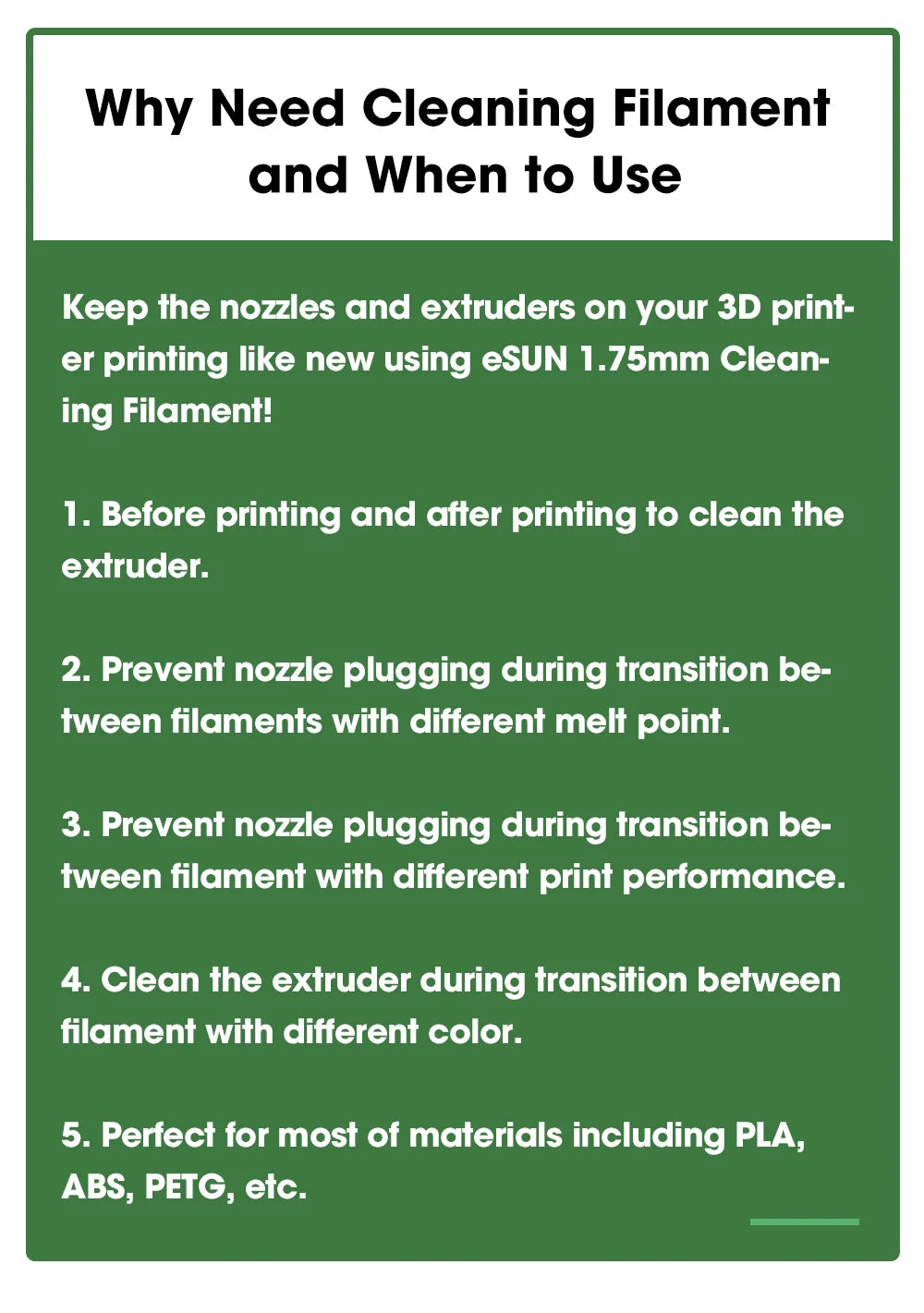
Prevents nozzle clogging when switching between materials with different printing temperatures, such as from high-temperature PA-CF (Nylon Carbon Fiber) to low-temperature PLA.
-
Easier color changes by flushing out dark colors before printing with light colors to prevent color mixing.
-
Cleans after printing composite materials such as Wood Filament or Metal Fill which may leave hard particle residue.
-
Printer maintenance Use before and after printing to prevent material from solidifying in the nozzle when the printer is turned off.
✨ Features of eSUN eClean
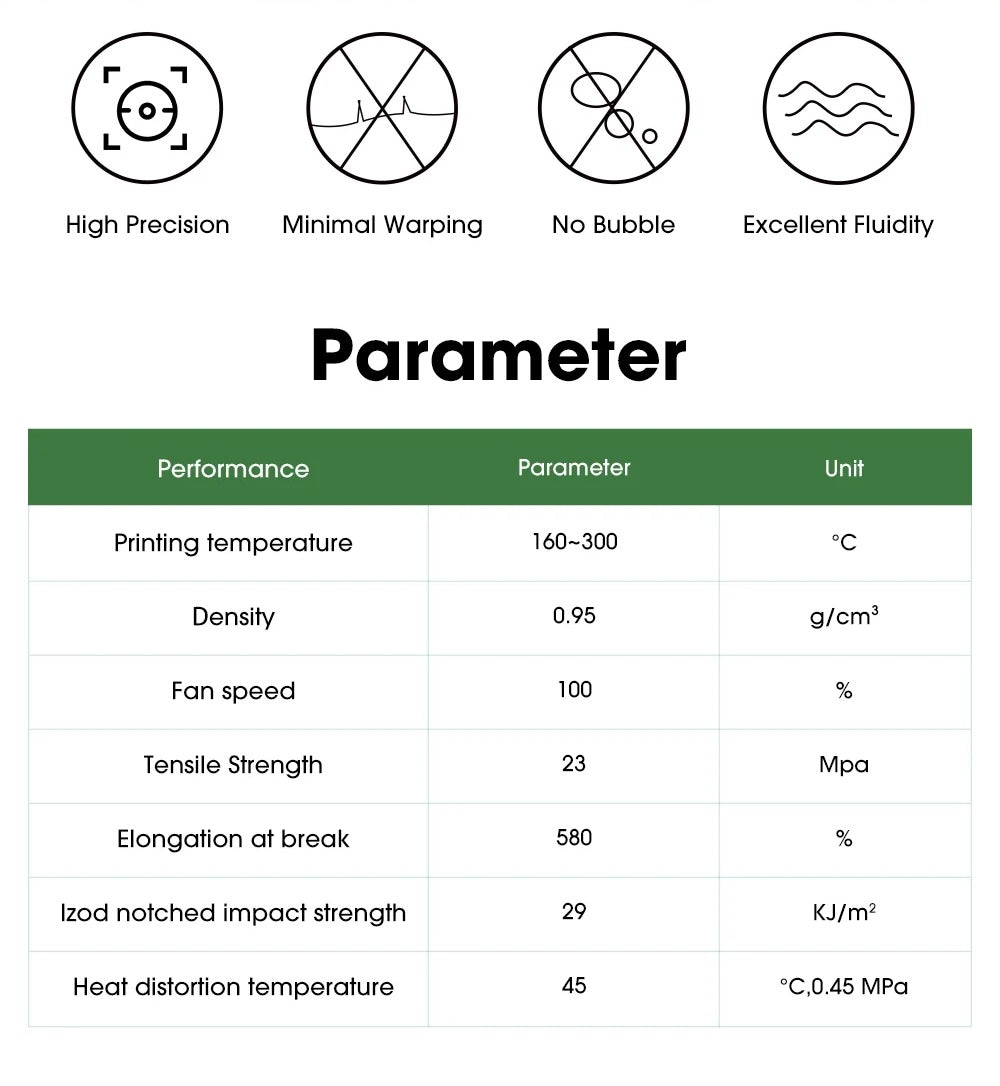
- 🌡️ Very wide operating temperature range 160 – 300°C, suitable for cleaning almost all types of materials.
- 🔍 Transparent (Natural/Transparent) color, ideal for cleaning before printing with any light color.
- 💪 Slightly viscous, effectively pulls out residual material from the nozzle without causing clogs.
- 🔄 High thermal stability, does not decompose easily within the operating temperature range.
- 🖨️ Compatible with all FDM printers, including Makerbot, Reprap, Flash Forge, Bambu Lab, Creality, Prusa, and others.
📋 Product Specifications
| Type |
Cleaning / Purging Filament |
| Diameter |
1.75 mm / 2.85 mm |
| Net Weight |
0.1 kg / bag |
| Color |
Natural (Transparent) |
| Extruder Temperature |
160 – 300°C |
| Bed Temperature |
Not required |
| Density |
0.95 g/cm³ |
| Tensile Strength |
23 MPa |
| Elongation at Break |
580% |
| Standard |
MSDS / REACH / RoHS Certified |
📖 How to Use
- Set the extruder temperature to between 160 – 300°C, according to the previously used printing material.
- Remove the old filament from the extruder and insert eClean.
- Push eClean through the nozzle until it runs clear and no old color remains.
- Remove eClean, then load the new material you wish to print with.
* eSUN eClean cannot be used for printing objects. It is designed solely for printer maintenance.