CLEANING eSun Filament eSun

Description

eSUN eClean — Nozzle Cleaning 3D Printer Filament

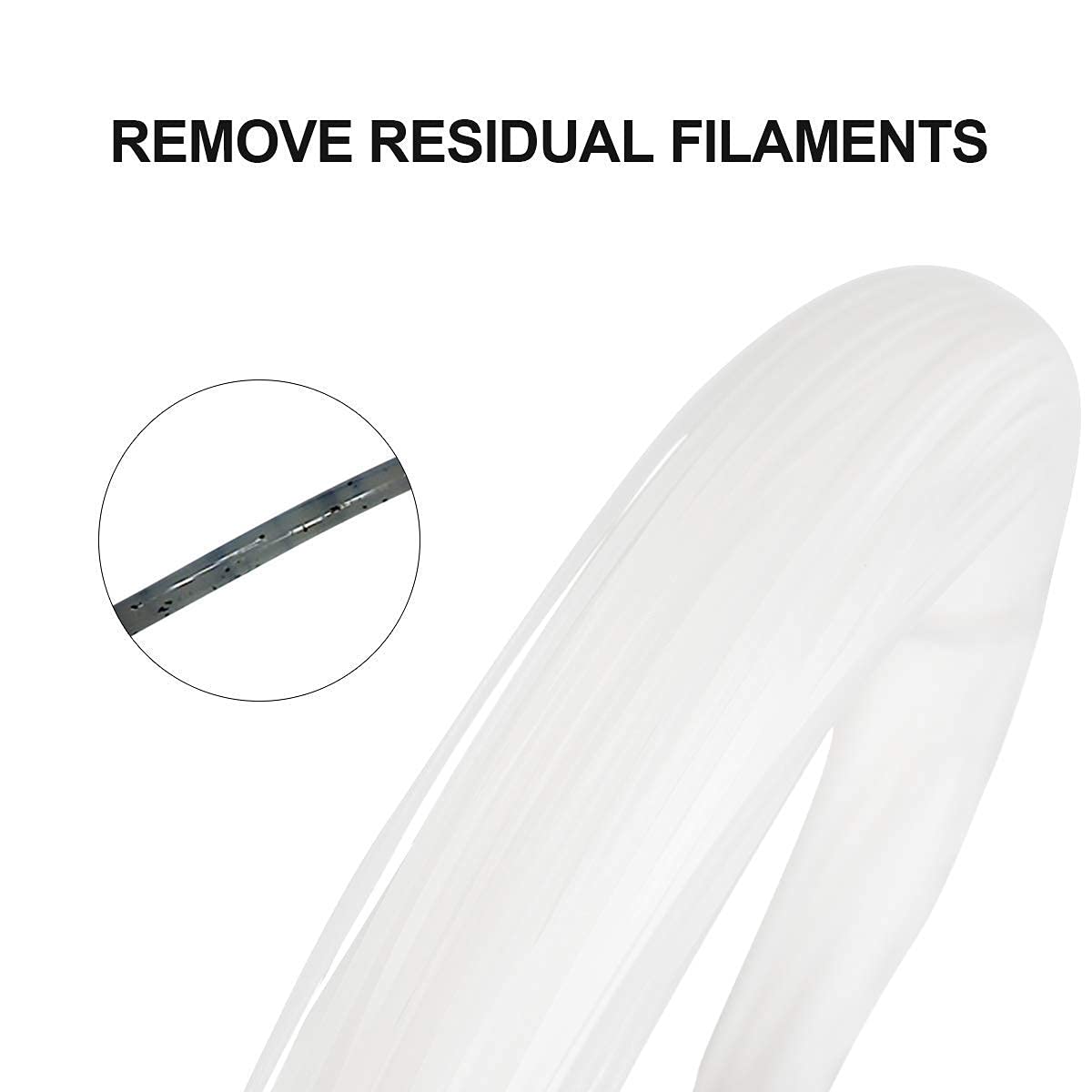
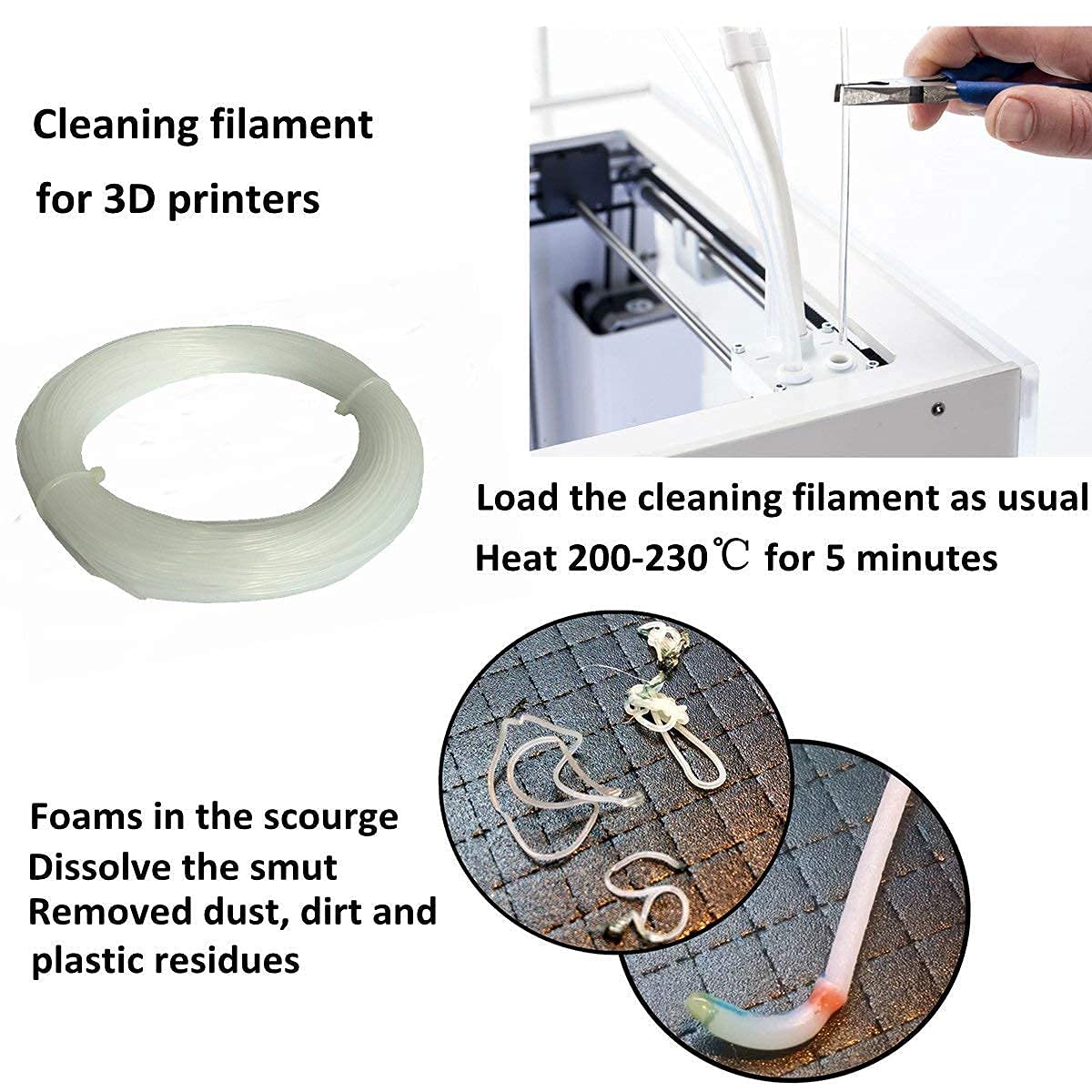
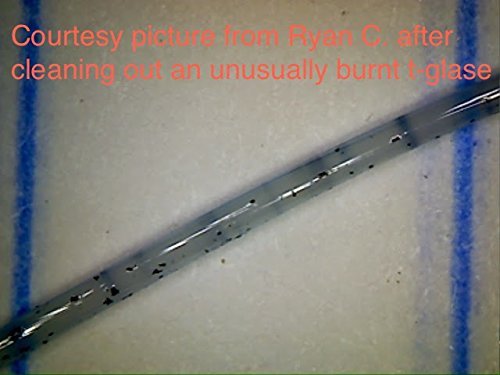
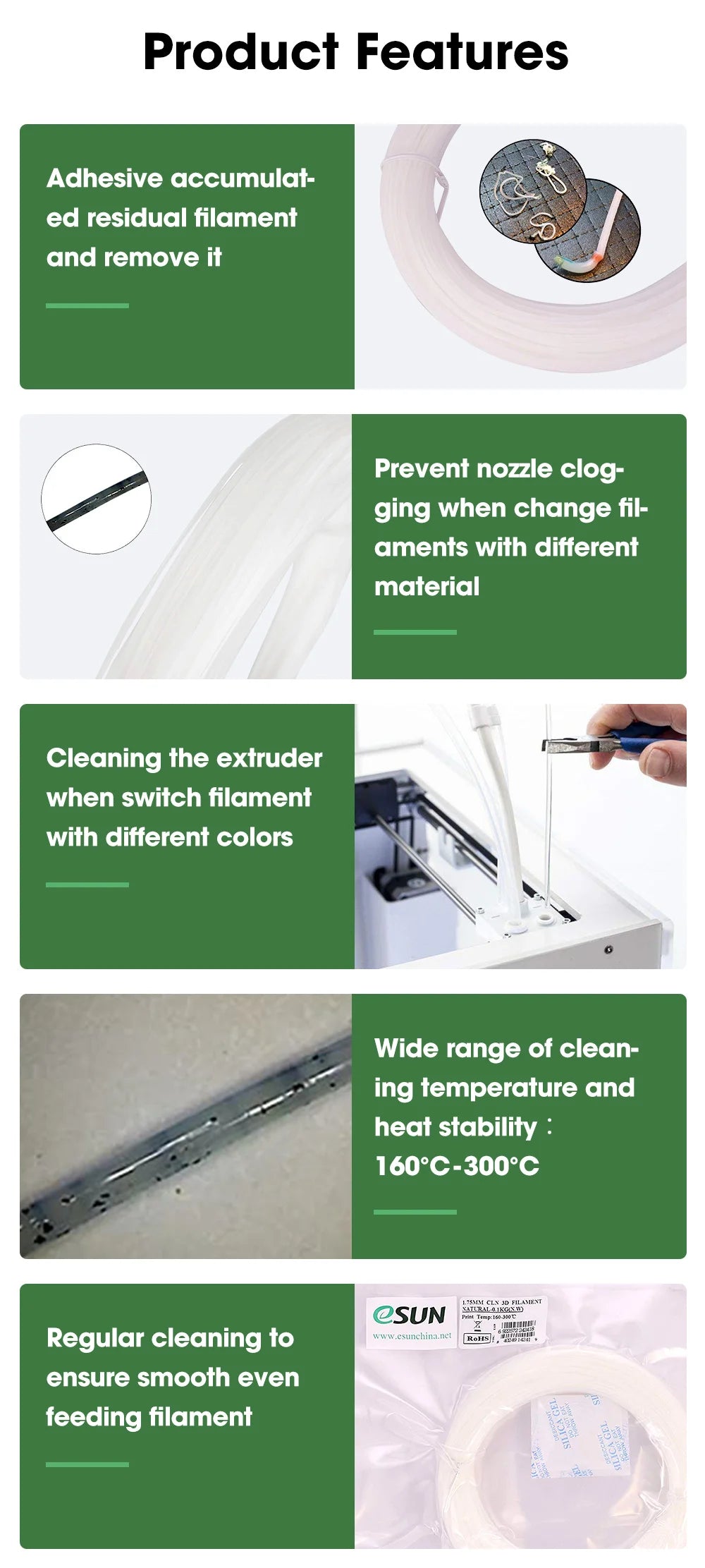
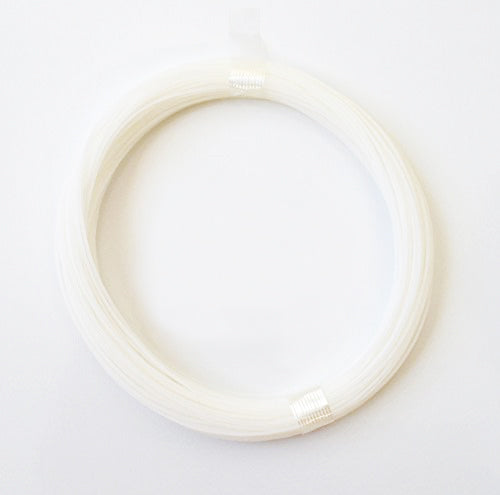
eSUN eClean is a special 3D printer filament designed specifically for cleaning the nozzle and extruder system. It effectively removes residual material build-up inside the hotend, ensuring smooth and continuous printer operation.


🔧 Why use eClean?

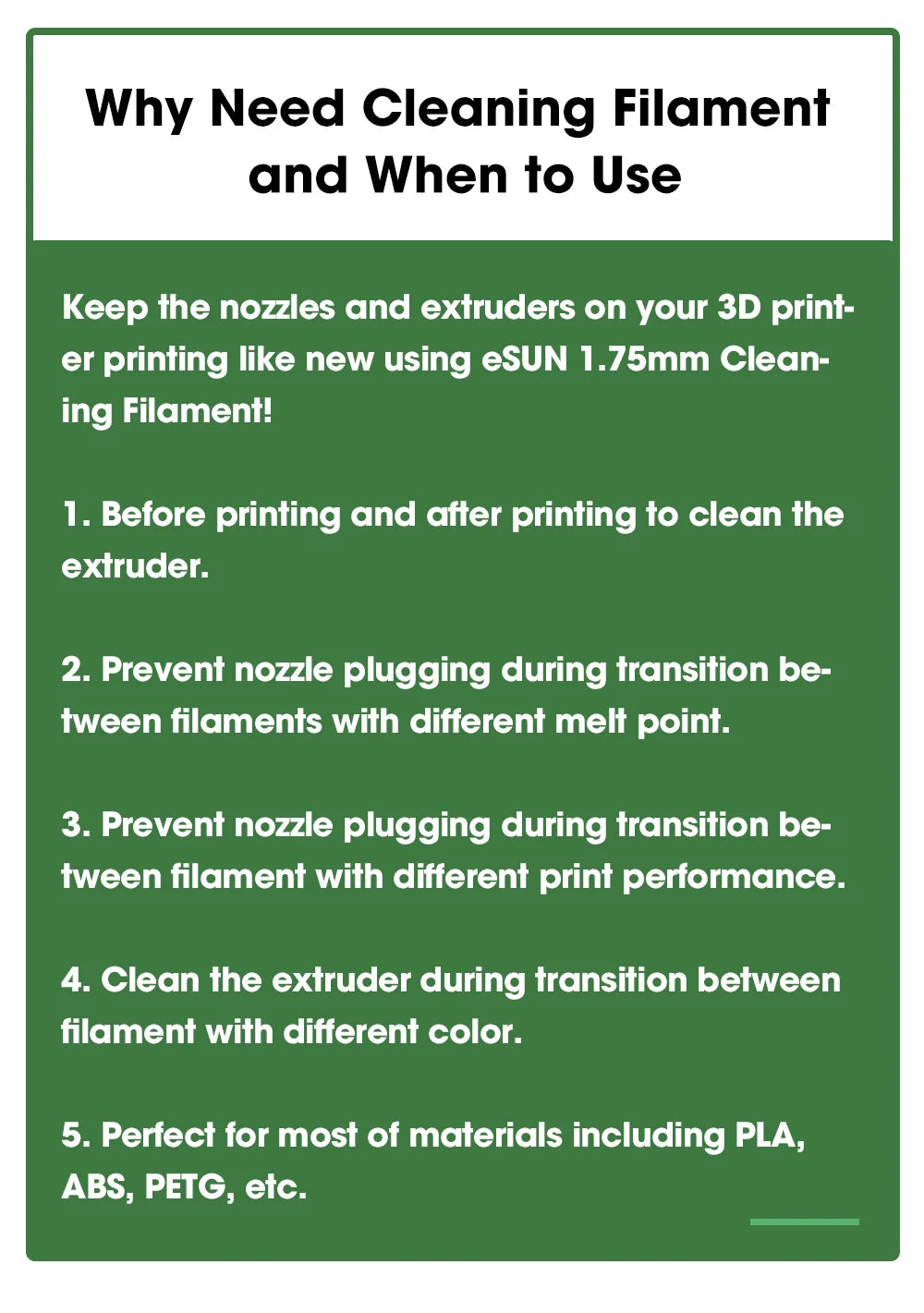
  • Prevents nozzle clogging when switching between materials with different printing temperatures, such as from high-temperature PA-CF (Nylon Carbon Fiber) to low-temperature PLA.
  • Easier color changes by flushing out dark colors before printing with light colors to prevent color mixing.
  • Cleans after printing composite materials such as Wood Filament or Metal Fill which may leave hard particle residue.
  • Printer maintenance Use before and after printing to prevent material from solidifying in the nozzle when the printer is turned off.

✨ Features of eSUN eClean

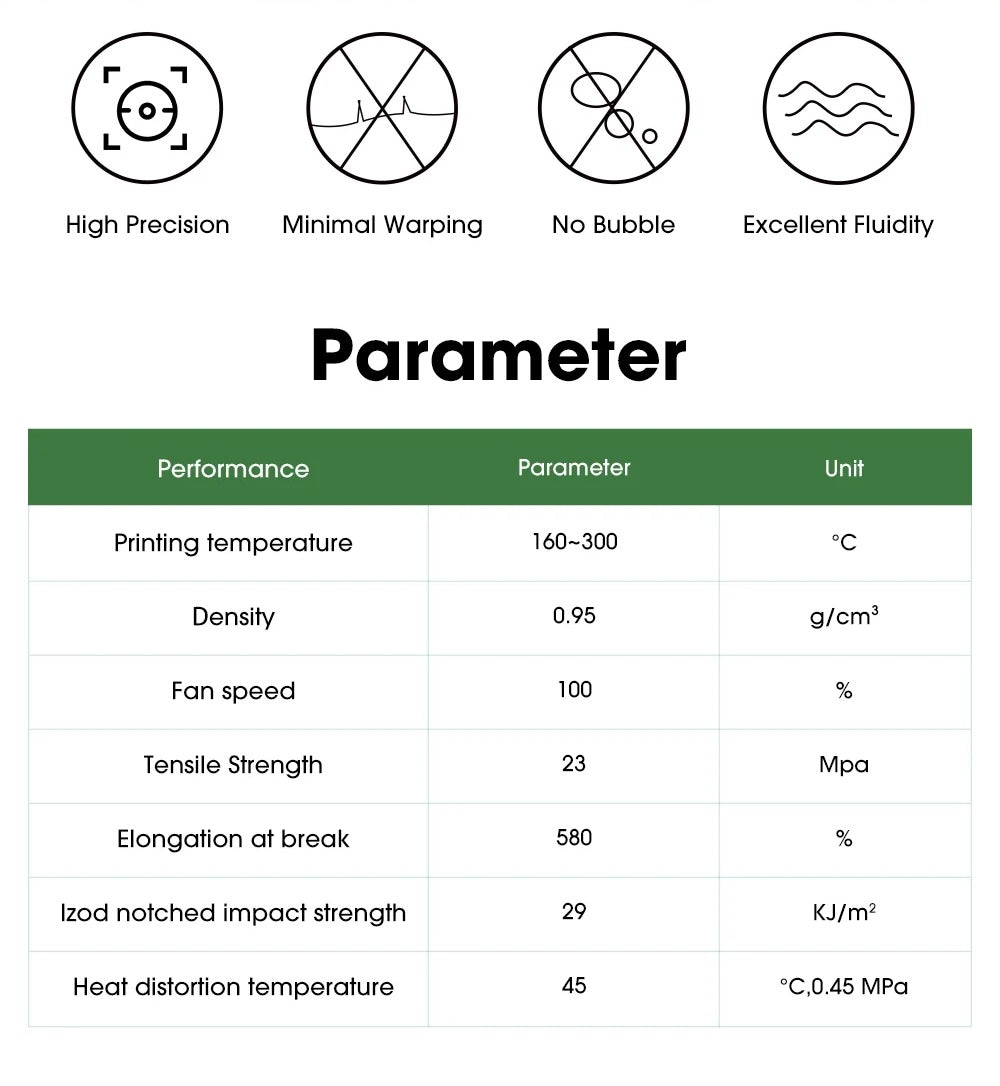
  • 🌡️ Very wide operating temperature range 160 – 300°C, suitable for cleaning almost all types of materials.
  • 🔍 Transparent (Natural/Transparent) color, ideal for cleaning before printing with any light color.
  • 💪 Slightly viscous, effectively pulls out residual material from the nozzle without causing clogs.
  • 🔄 High thermal stability, does not decompose easily within the operating temperature range.
  • 🖨️ Compatible with all FDM printers, including Makerbot, Reprap, Flash Forge, Bambu Lab, Creality, Prusa, and others.

📋 Product Specifications

Type Cleaning / Purging Filament
Diameter 1.75 mm / 2.85 mm
Net Weight 0.1 kg / bag
Color Natural (Transparent)
Extruder Temperature 160 – 300°C
Bed Temperature Not required
Density 0.95 g/cm³
Tensile Strength 23 MPa
Elongation at Break 580%
Standard MSDS / REACH / RoHS Certified

📖 How to Use

  1. Set the extruder temperature to between 160 – 300°C, according to the previously used printing material.
  2. Remove the old filament from the extruder and insert eClean.
  3. Push eClean through the nozzle until it runs clear and no old color remains.
  4. Remove eClean, then load the new material you wish to print with.

* eSUN eClean cannot be used for printing objects. It is designed solely for printer maintenance.


Product form
Free pickup in our shop(s)

209.00 ฿

  • Shipped today? Order within: Jul 25, 2026 11:00:00 +0700
  • Fast Delivery
Chat on LINE and FB Messenger

Description

eSUN eClean — Nozzle Cleaning 3D Printer Filament

eSUN eClean is a special 3D printer filament designed specifically for cleaning the nozzle and extruder system. It effectively removes residual material build-up inside the hotend, ensuring smooth and continuous printer operation.


🔧 Why use eClean?

  • Prevents nozzle clogging when switching between materials with different printing temperatures, such as from high-temperature PA-CF (Nylon Carbon Fiber) to low-temperature PLA.
  • Easier color changes by flushing out dark colors before printing with light colors to prevent color mixing.
  • Cleans after printing composite materials such as Wood Filament or Metal Fill which may leave hard particle residue.
  • Printer maintenance Use before and after printing to prevent material from solidifying in the nozzle when the printer is turned off.

✨ Features of eSUN eClean

  • 🌡️ Very wide operating temperature range 160 – 300°C, suitable for cleaning almost all types of materials.
  • 🔍 Transparent (Natural/Transparent) color, ideal for cleaning before printing with any light color.
  • 💪 Slightly viscous, effectively pulls out residual material from the nozzle without causing clogs.
  • 🔄 High thermal stability, does not decompose easily within the operating temperature range.
  • 🖨️ Compatible with all FDM printers, including Makerbot, Reprap, Flash Forge, Bambu Lab, Creality, Prusa, and others.

📋 Product Specifications

Type Cleaning / Purging Filament
Diameter 1.75 mm / 2.85 mm
Net Weight 0.1 kg / bag
Color Natural (Transparent)
Extruder Temperature 160 – 300°C
Bed Temperature Not required
Density 0.95 g/cm³
Tensile Strength 23 MPa
Elongation at Break 580%
Standard MSDS / REACH / RoHS Certified

📖 How to Use

  1. Set the extruder temperature to between 160 – 300°C, according to the previously used printing material.
  2. Remove the old filament from the extruder and insert eClean.
  3. Push eClean through the nozzle until it runs clear and no old color remains.
  4. Remove eClean, then load the new material you wish to print with.

* eSUN eClean cannot be used for printing objects. It is designed solely for printer maintenance.
Recently viewed products

Login

Forgot your password?

Don't have an account yet?
Create account